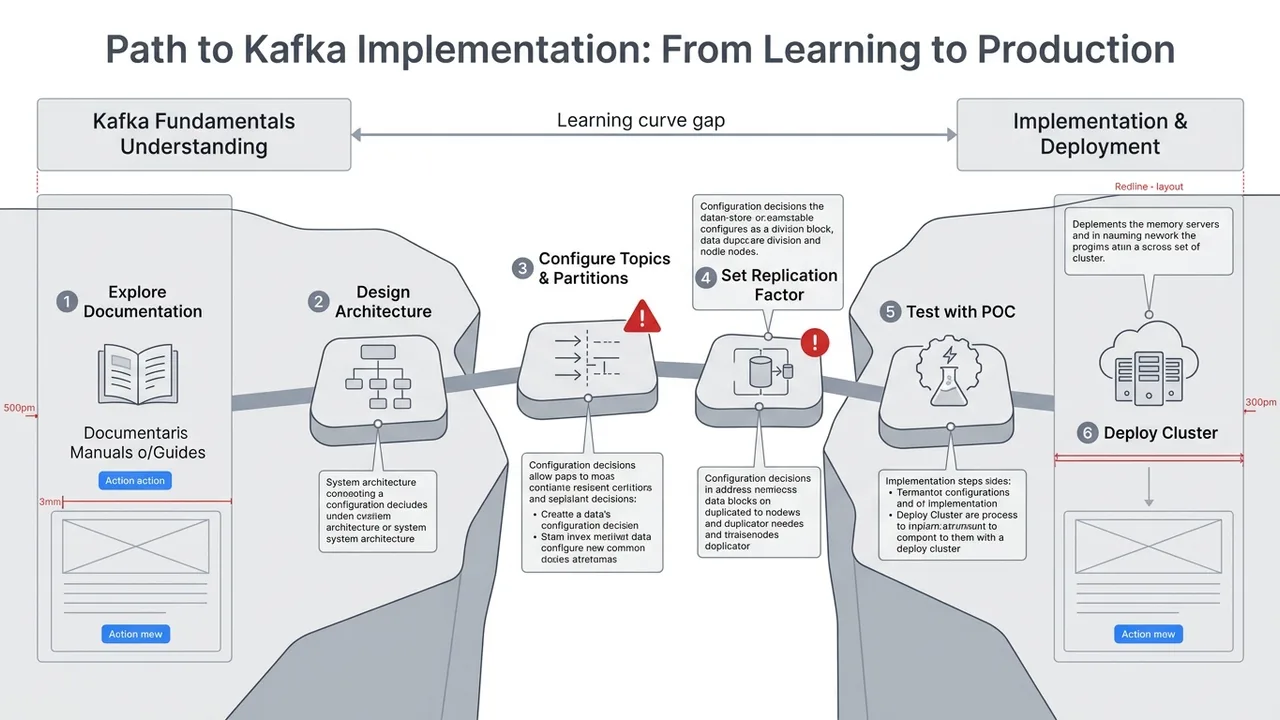
Based on the content of this document, create a presentation script that covers the relevant concepts and use cases, with the goal of helping core users who are new to Kafka build a basic understanding of the product.
<a id="kafka-intro"></a>
# Introduction to Apache Kafka
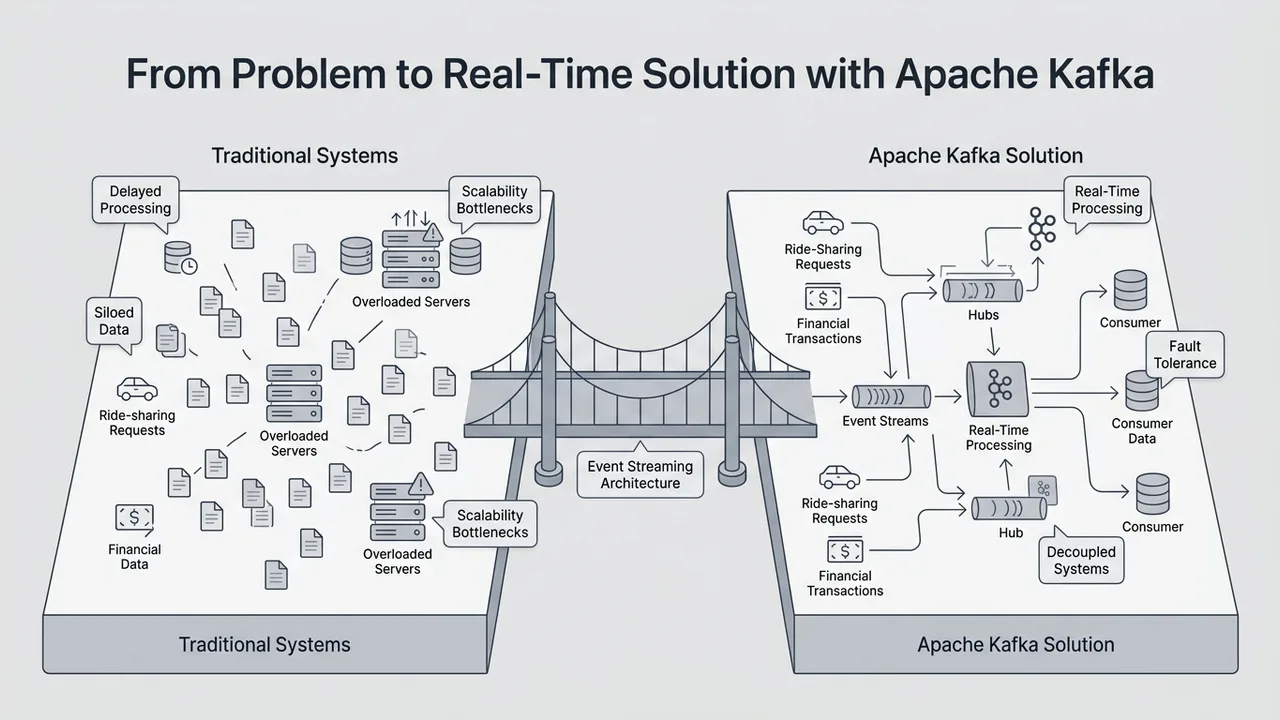
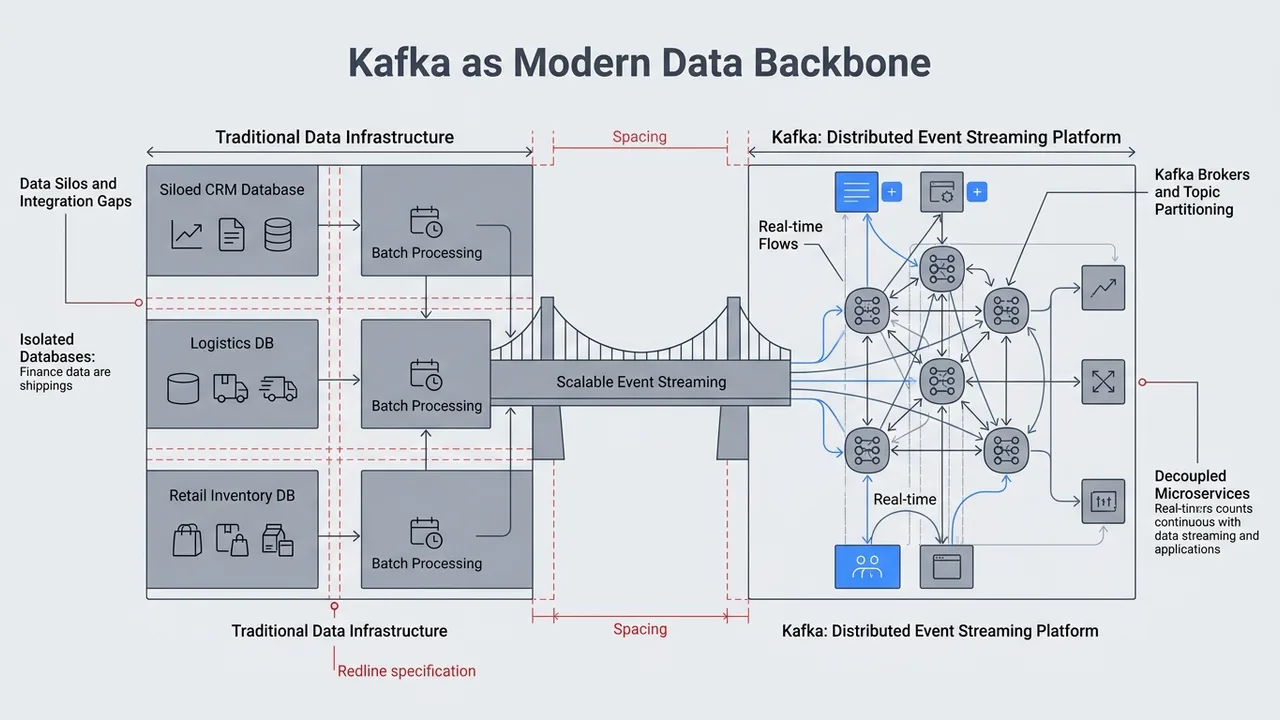
Apache Kafka® is a distributed event streaming platform that
is used for building real-time data pipelines and streaming applications.
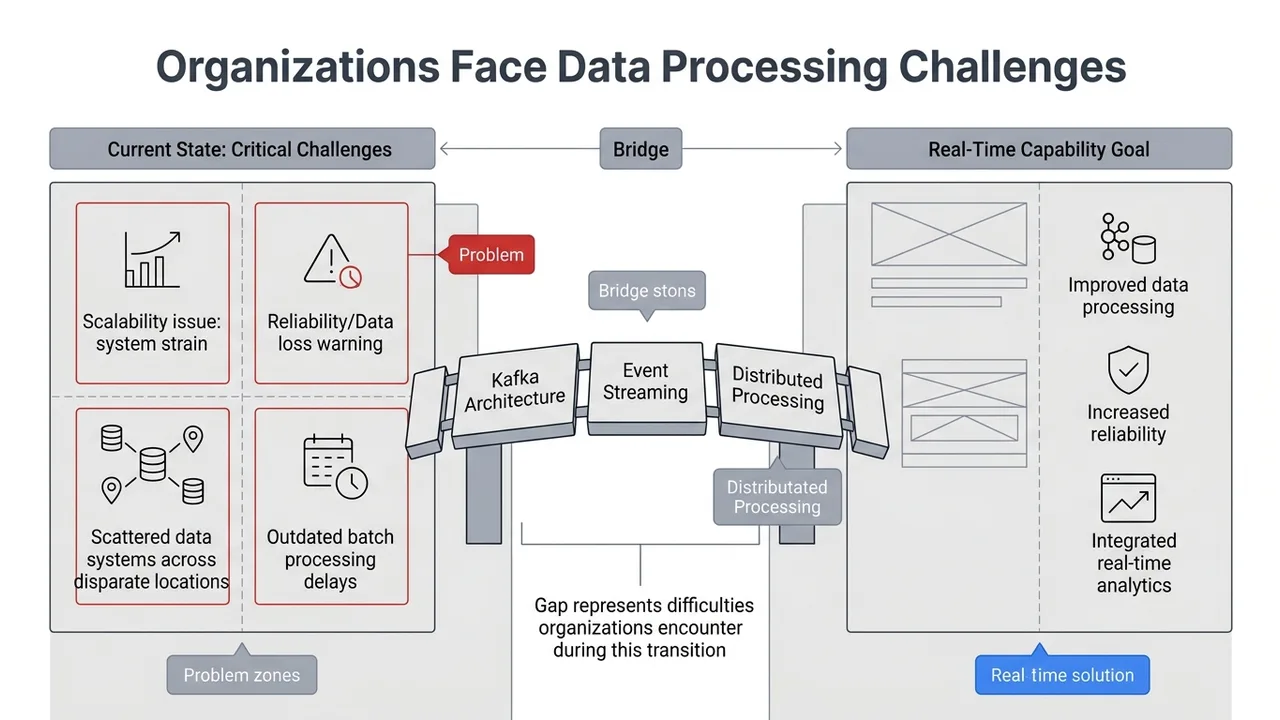
Kafka is designed to handle large volumes of data in a scalable and fault-tolerant manner,
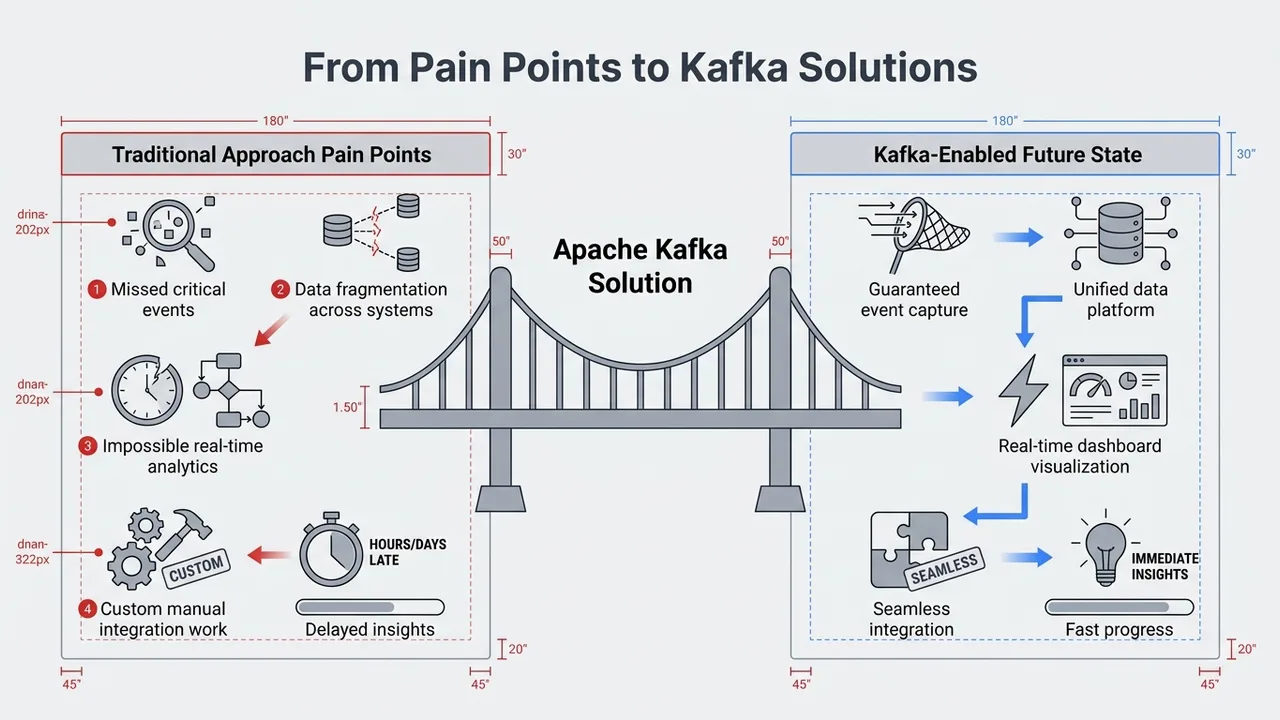
making it ideal for use cases such as real-time analytics, data ingestion, and event-driven architectures.
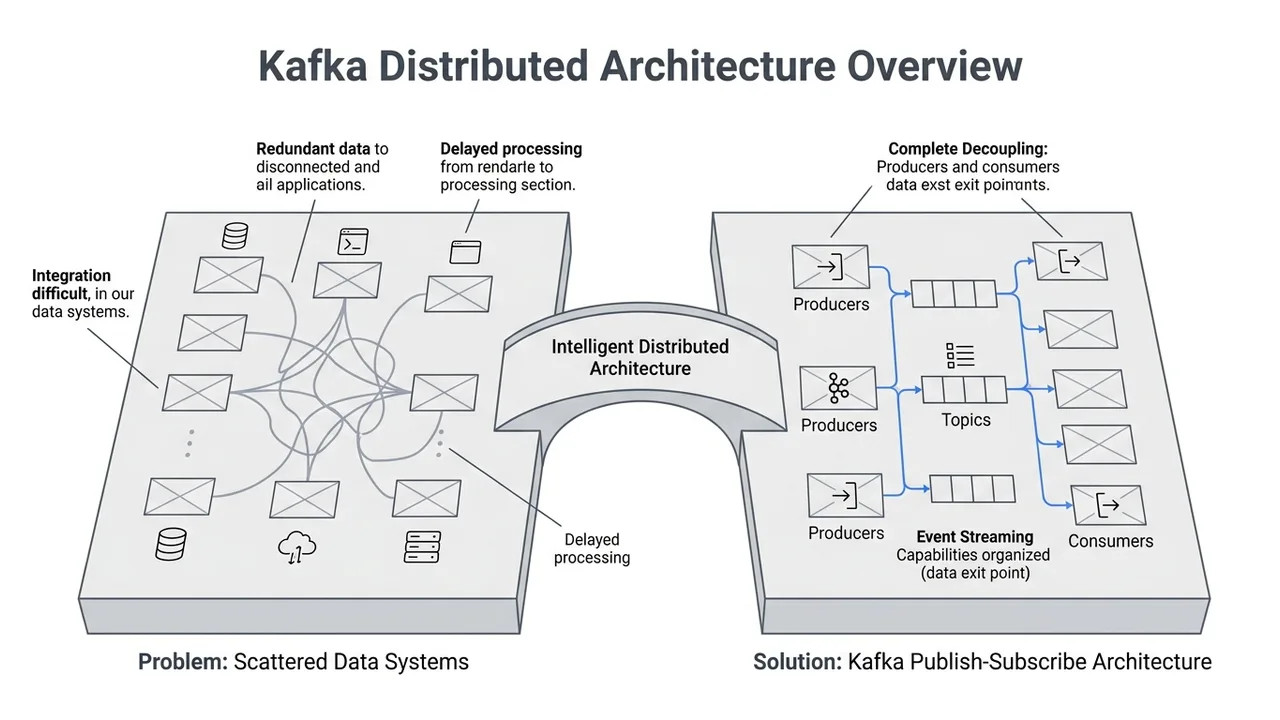
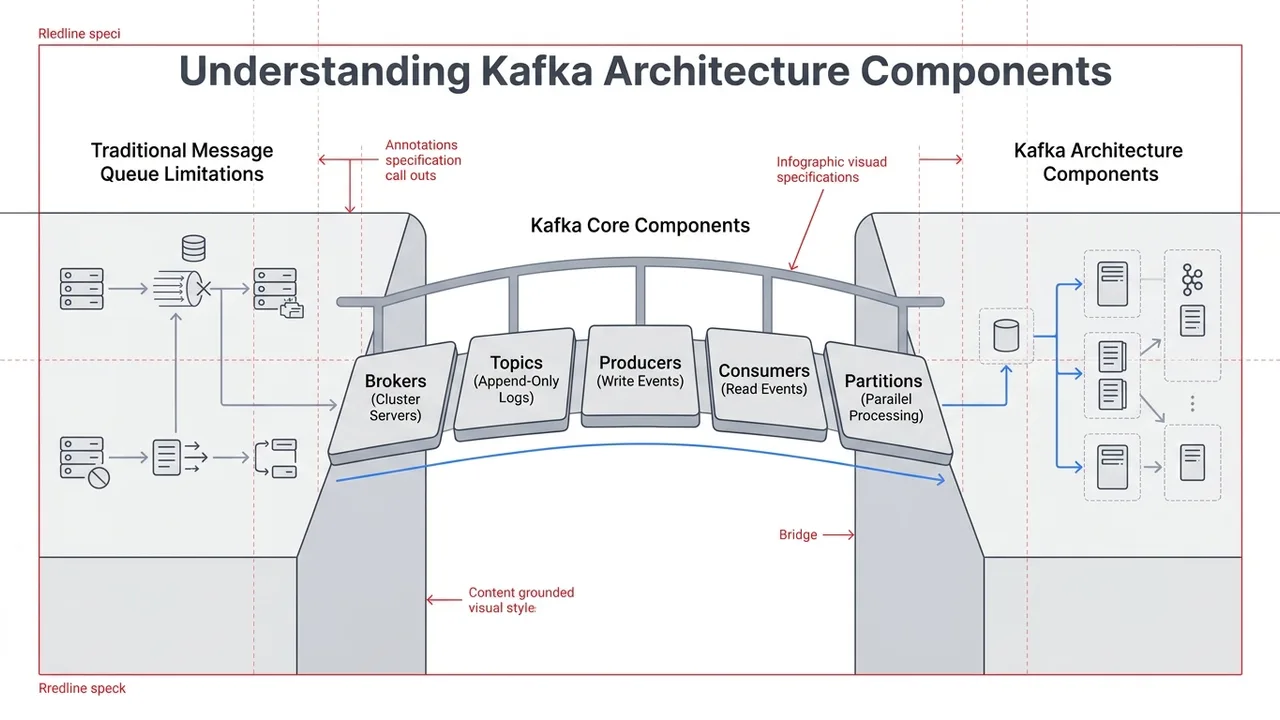
At its core, Kafka is a distributed publish-subscribe messaging system. Data is written to Kafka topics
by producers and consumed from those topics by consumers. Kafka topics can be partitioned,
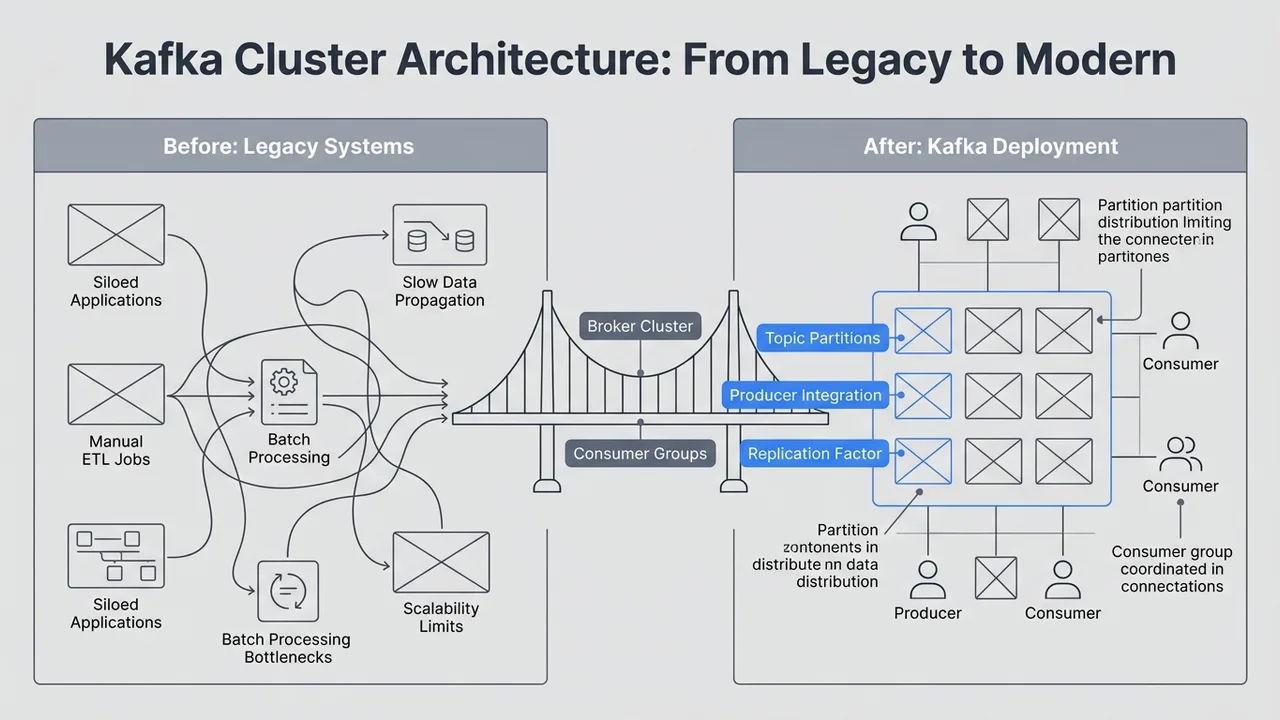
enabling the parallel processing of data, and topics can be replicated across multiple brokers for fault tolerance.
With Kafka you get command-line tools for management and administration tasks, and [Java and Scala APIs](kafka-apis.md#kafka-apis) to build an event
streaming solution for your scenarios.
<!-- WARNING: THIS IS A SHARED FILE AND THE SOURCE IS LOCATED IN DOCS-COMMON. DO NOT ADD TO ANY OTHER REPO.
-->
## Events and event streaming
To understand distributed event streaming in more detail, you should first understand that an event is a record that “something happened” in the world or in your business.
For example, in a ride-share system, you might see the following event:
- Event key: “Alice”
- Event value: “Trip requested at work location”
- Event timestamp: “Jun. 25, 2020 at 2:06 p.m.”
The event data describes what happened, when, and who was involved. Event streaming is the practice of capturing events like the example, in real-time from sources like databases, sensors,
mobile devices, cloud services, and software applications.

An event streaming platform captures events in order and these streams of events are stored durably for processing, manipulation, and responding
to in real time or to be retrieved later. In addition, event streams can be routed
to different destination technologies as needed. Event streaming ensures a continuous
fl
ow and interpretation of data so that the right information is at the right place, at the right time.
To accomplish this, Kafka is run as a cluster on one or more servers that can span multiple datacenters.
and provides its functionality in a distributed, highly scalable, elastic, fault-tolerant, and
secure manner. In addition, Kafka can be deployed on bare-metal hardware, virtual machines, containers,
and on-premises as well as in the cloud.
## Use cases
Event streaming is applied to a wide variety of use cases across a large number of industries and organizations.
For example:
- As a messaging system. For example Kafka can be used to process payments and financial transactions in real-time, such as in stock exchanges, banks, and insurance companies.
- Activity tracking. For example Kafka can be used to track and monitor cars, trucks, fleets, and shipments in real-time, such as for taxi services, in logistics and the automotive industry.
- To gather metrics data. For example Kafka
can be used to continuously capture and analyze sensor data from IoT devices or other equipment, such as in factories and wind parks.
- For stream processing. For example use Kafka to collect and react to customer interactions and orders, such as in retail, the hotel and travel industry, and mobile applications.
- To decouple a system. For example, use Kafka to connect, store, and make available data produced by different divisions of a company.
- To integrate with other big data technologies such as Hadoop.
## Terminology
Kafka is a distributed system consisting of different kinds of servers and clients that communicate events via a
high-performance TCP network protocol. These servers and clients are all designed to work together.
Following are some key terminology that you should be familiar with:
### Brokers
A *broker* refers to a server in the Kafka storage layer that stores event streams from one or more sources. A Kafka cluster is typically
comprised of several brokers. Ever
y broker in a cluster is also a bootstrap server, meaning if you can connect to
one broker in a cluster, you can connect to every broker.
### Topics
The Kafka cluster organizes and durably stores streams of events in categories called *topics*, which are Kafka’s most fundamental unit of
organization. A topic is a log of events, similar to a folder in a filesystem, where
events are the files in that folder.
A topic has the following characteristics:
- A topic is append only: When a new event message is written to a topic, the message is appended
to the end of the log.
- Events in the topic are immutable, meaning they cannot be modified after they are written.
- A consumer reads a log by looking for an offset and then reading log entries that follow sequentially.
- Topics in Kafka are always multi-producer and multi-subscriber: a topic can have zero, one,
or many producers that write events to it, as well as zero, one, or many consumers that
subscribe to these events.
Topics c
annot be queried, however, events in a topic can be read as often as needed, and unlike
other messaging systems, events are not deleted after they are consumed. Instead,
topics can be configured to expire data after it has reached
a certain age or when the topic has reached a certain size.
Kafka’s performance is effectively constant with respect to data size, so storing data for
a long time should have a nominal effect on performance.
Kafka provides [several CLI tools](operations-tools/kafka-tools.md#kafka-cli-tools) with Kafka that you can use to manage clusters, brokers and topics, and an [Admin Client API](kafka-apis.md#admin-api) so that you can implement your own admin tools.
<a id="confluenttip-0"></a>
### Producers
Producers are clients that write events to Kafka. The producer specifies the topics they will write to and the producer controls
how events are assigned to partitions within a topic. This can be done in a round-robin fashion
for load balancing or it can be done ac
cording to some semantic partition function such as by the event key.
Kafka provides the Java [Producer API](kafka-apis.md#producer-api) to enable applications to
send streams of events to a Kafka cluster.
For details on producer design and how messages are exchanged between
producers, brokers, and consumers, see [Kafka Producer Design](design/producer-design.md#producer-design) and [Kafka Message Delivery Guarantees](design/delivery-semantics.md#delivery-semantics).
For a short video that describes Kafka producers, see:
<iframe width="600" height="400" src="https://www.youtube.com/embed/cGFjd7ox4h4"
title="YouTube video player" frameborder="0" allow="accelerometer; autoplay; clipboard-write; encrypted-media; gyroscope; picture-in-picture" allowfullscreen></iframe>
### Consumers
Consumers are clients that read events from Kafka.
The only metadata retained on a per-consumer basis is the offset or position of that consumer in a topic.
This offset is controlled by the consumer. N
ormally a consumer will advance its offset linearly as it reads records,
however, because the position is controlled by the consumer it can consume records in any order.
For example, a consumer can reset to an older offset to reprocess data from the past or skip ahead to the most recent record
and start consuming from “now”.
This combination of features means that Kafka consumers can come and go without much impact on the cluster or on other consumers.
Kafka provides the Java [Consumer API](kafka-apis.md#consumer-api) to enable applications to
read streams of events from a Kafka cluster.
For details on consumer design and how messages are exchanged between
producers, brokers, and consumers, see [Kafka Consumer Design: Consumers, Consumer Groups, and Offsets](design/consumer-design.md#consumer-design) and [Kafka Message Delivery Guarantees](design/delivery-semantics.md#delivery-semantics) .
For a video that describes Kafka consumers, see:
<iframe width="600" height="400" src="https
://www.youtube.com/embed/XgmJWoXQVvY" title="YouTube video player" frameborder="0" allow="accelerometer; autoplay; clipboard-write; encrypted-media; gyroscope; picture-in-picture" allowfullscreen></iframe>
<br/>
<a id="confluenttip-1"></a>
### Partitions
Topics are broken up into *partitions*, meaning a single topic log is broken into multiple logs located on
different Kafka brokers. This way, the work of storing messages, writing
new messages, and processing existing messages can be split among many nodes in the cluster.
This distributed placement of your data is very
important for scalability because it allows client applications to both read and write the
data from/to many brokers at the same time.
When a new event is published to a topic, it is
actually appended to one of the topic’s partitions. Events with the same event key
such as the same customer identifier or vehicle ID are written to the same partition, and Kafka guarantees that
any consumer of a given topic partition w
ill always read that partition’s events in exactly
the same order as they were written.

This example topic in the image has four partitions P1–P4. Two different producer
clients are publishing new events to the topic, independently from each other,
by writing events over the network to the topic’s partitions.
Events with the same key, which are shown with different colors in the image, are written to the
same partition. Note that both producers can write to the same partition if appropriate.
### Replication
*Replication* is an important part of keeping your data highly-available and fault tolerant. Every topic can be
replicated, even across geo-regions or datacenters. This means that there are always multiple brokers
that have a copy of the data just in case things go wrong, you want to do maintenance on the brokers,
and more. A common production setting is a replication factor of 3,
meaning there will always be three copies of your dat
a.
This replication is performed at topic partition level.
For an in-depth discussion of replication in Kafka, see [Kafka Replication and Committed Messages](design/replication.md#replication).
## Components
In addition to brokers and client producers and consumers, there are other key components
of Kafka that you should be familiar with:
### Kafka Connect
Kafka Connect is a component of Kafka that provides
data integration between databases, key-value stores, search indexes, file systems and Kafka brokers. Kafka
Connect provides a common framework for you to define *connectors*, which do the work of moving data in and out of Kafka.
There are two different types of connectors:
- Source connectors that act as producers for Kafka
- Sink connectors that act as consumers for Kafka
You can use one of the many connectors provided by the Kafka community, or use the [Connect API](kafka-apis.md#connect-api) to build and run your own custom
data import/export connectors that consume (rea
d) or produce (write) streams of events from and to external systems and applications.
<a id="confluenttip-2"></a>
### Kafka Streams
In Kafka, a stream processor is anything that takes continual streams of data from input topics, performs some
processing on this input, and produces continual streams of data to output topics. For example, a ride-share application
might take in input streams of drivers and customers, and output a stream of rides currently taking place.
You can do simple processing directly using the producer and consumer APIs. However for more complex transformations,
Kafka provides [Kafka Streams](/platform/current/streams/overview.html).
Kafka Streams provides a client library for building mission-critical real-time applications and microservices, where the input and/or output data is
stored in Kafka clusters. You can build applications with Kafka Streams that does non-trivial
processing tasks that compute aggregations off of streams or join streams together.
Str
eams help solve problems such as: handling out-of-order data, reprocessing input as code changes, performing
stateful computations, etc.
Streams builds on the core Kafka primitives, specifically it uses:
- The producer and consumer APIs for input Kafka for stateful storage
- The same group mechanism for fault tolerance among the stream processor instances
For more information, see the [Kafka Streams API](kafka-apis.md#streams-api).
## Learn more
- For a series of videos that introduce Kafka and the concepts in this topic, see [Kafka 101](https://developer.confluent.io/learn-kafka/apache-kafka/events/).
- For a deep-dive into the design decisions and features of Kafka, see [Kafka Design Overview](design/index.md#design-overview).
#### NOTE
This website includes content developed at the [Apache Software Foundation](https://www.apache.org/)
under the terms of the [Apache License v2](https://www.apache.org/licenses/LICENSE-2.0.html).