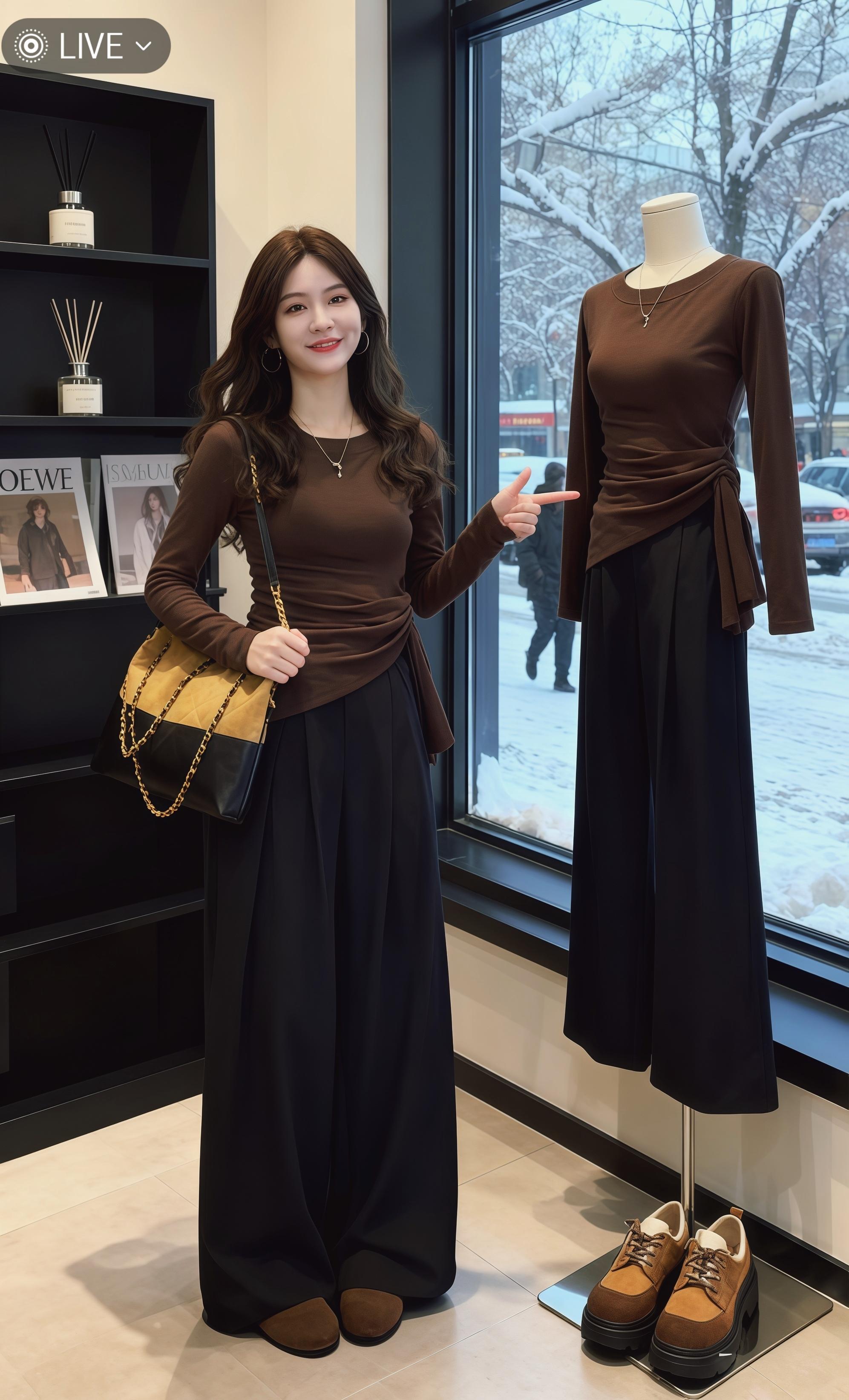
Potential 9501
本作品为AI制作
With a model reference, do not change the face, hair, body proportions, or camera view.
For apparel, bags, shoes, and accessories: turn flat lays into realistic model displays while retaining fit and materials.
Fit
fit first
4+
angles
Real
real-person feel
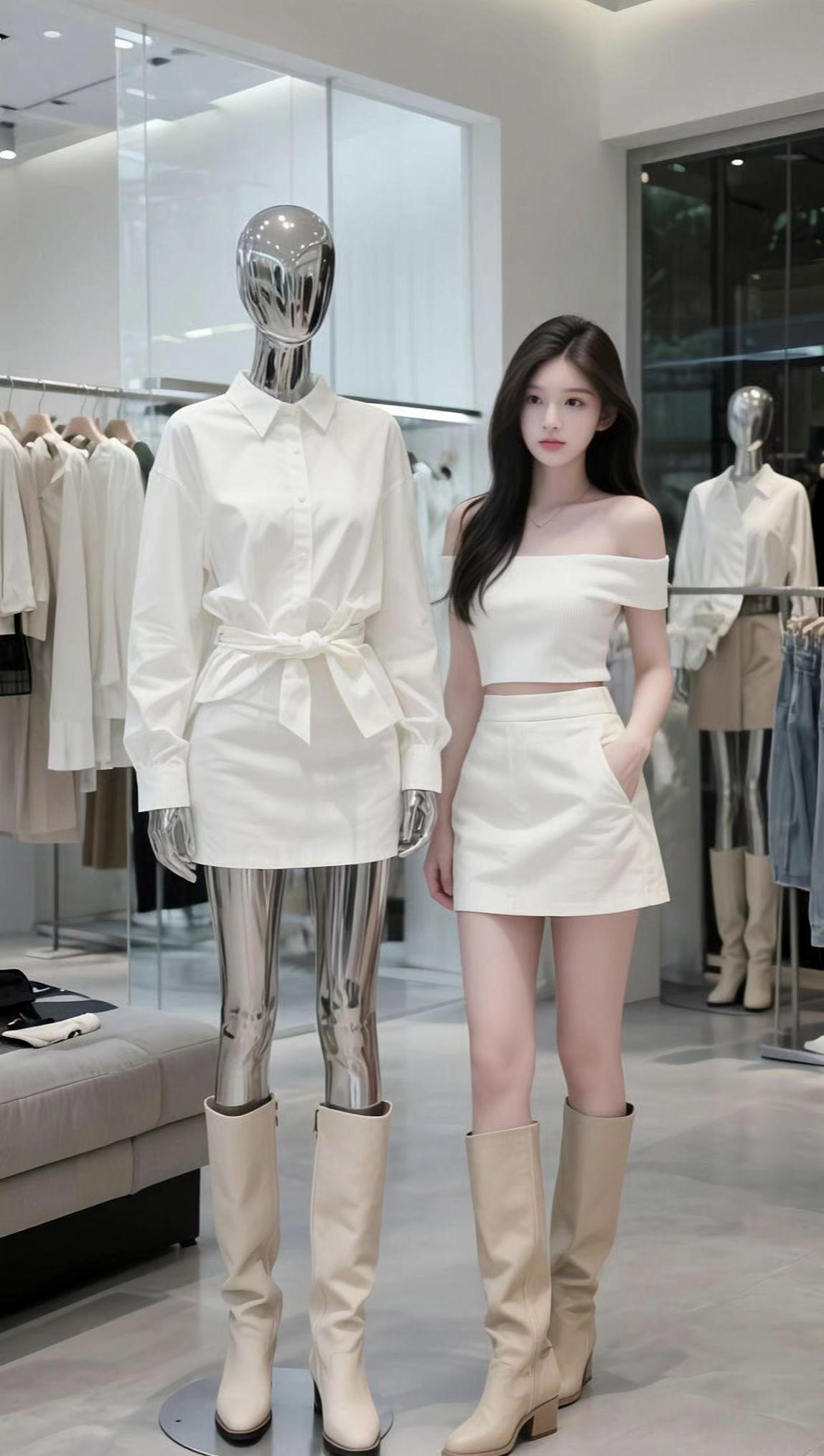
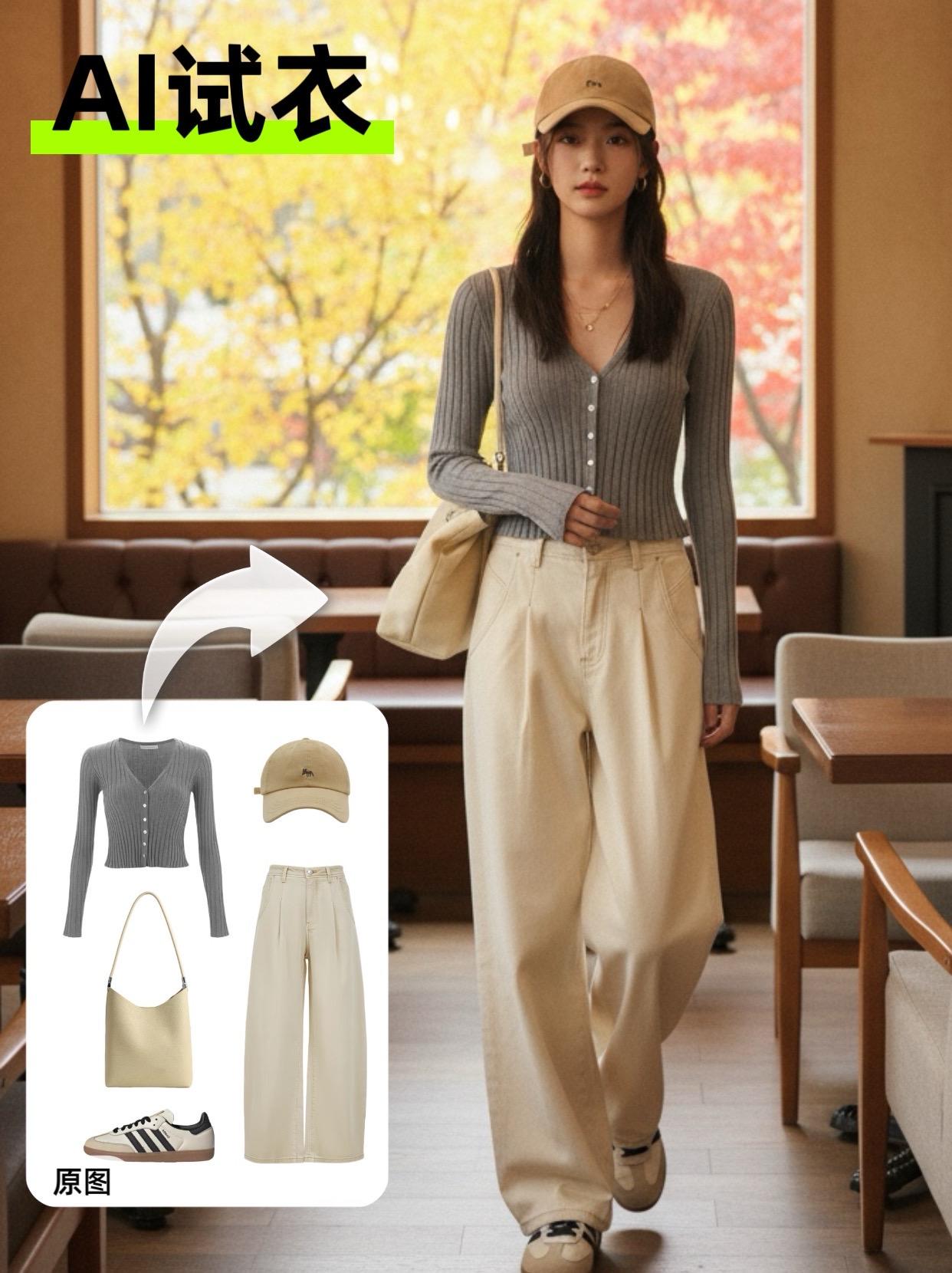
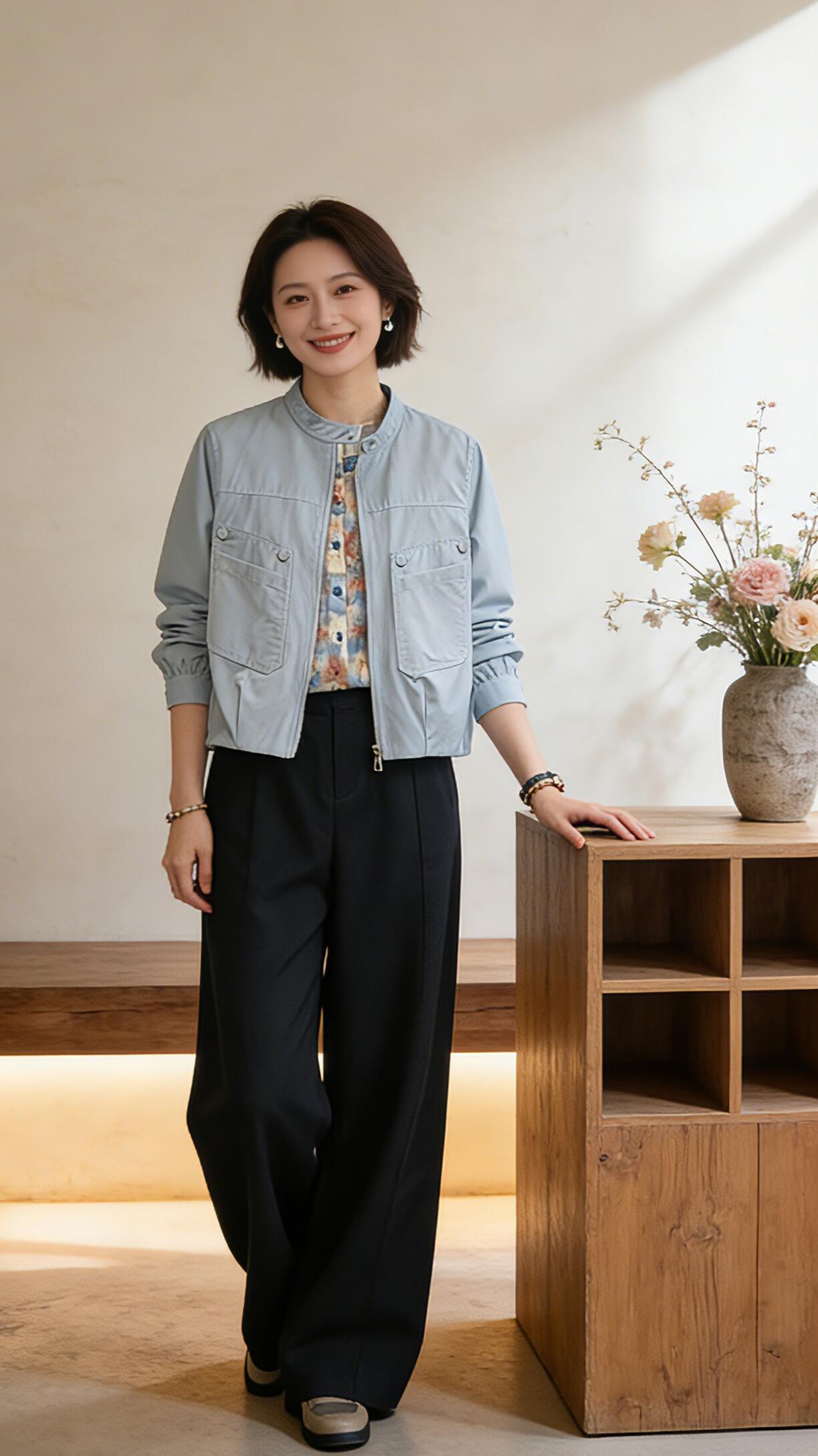
Reference deck
Each sample is a starting point for BO, carrying its prompt and reference images with it.
Reference 01
Use a flat lay, product shot, or model reference so product details enter the context.
Generate full-body, half-body, and multiple angles for the audience, scene, and camera view.
Emphasize drape, folds, length, how it is worn, and body proportions.
AI fitting room
Keep the model's face, pose, and background; replace only clothing or styling.
When you only have a product shot, create a commercial model display.
Front, side, half-body, and detail views help buyers see the result.
Prompt pack
Prompt direction included on this page: AI fitting room
Identity retention: With a model reference, do not change the face, hair, body proportions, or camera view.
Wear relationship: Necklines, cuffs, waistlines, and shoe or bag placement must look naturally worn.
Product fidelity: Do not turn fabric, pattern, color, or hardware into a different product.
With a model reference, do not change the face, hair, body proportions, or camera view.
Necklines, cuffs, waistlines, and shoe or bag placement must look naturally worn.
Do not turn fabric, pattern, color, or hardware into a different product.
Case launch board
With a model reference, do not change the face, hair, body proportions, or camera view.
Necklines, cuffs, waistlines, and shoe or bag placement must look naturally worn.
Do not turn fabric, pattern, color, or hardware into a different product.
With a model reference, do not change the face, hair, body proportions, or camera view.
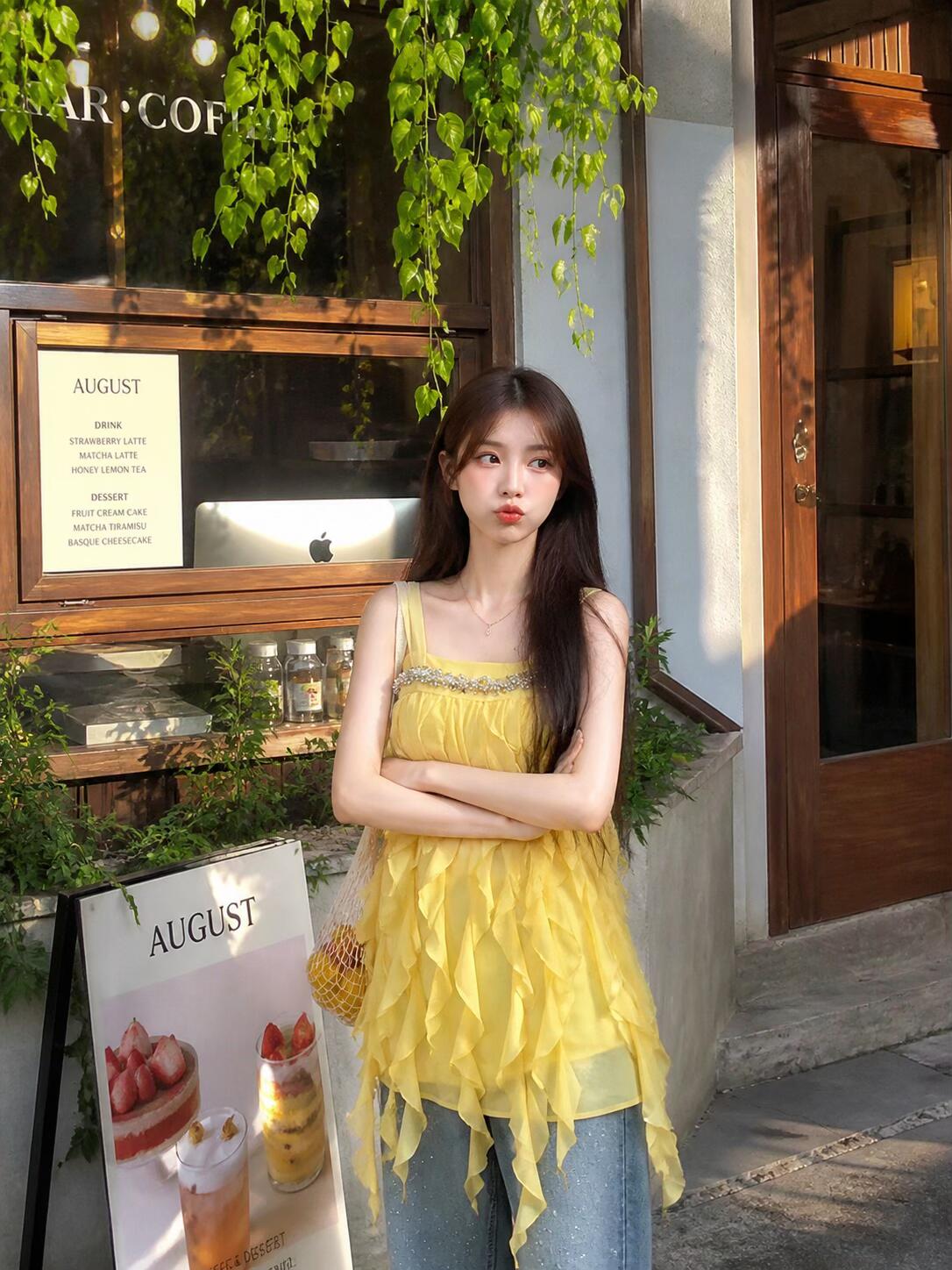
Necklines, cuffs, waistlines, and shoe or bag placement must look naturally worn.
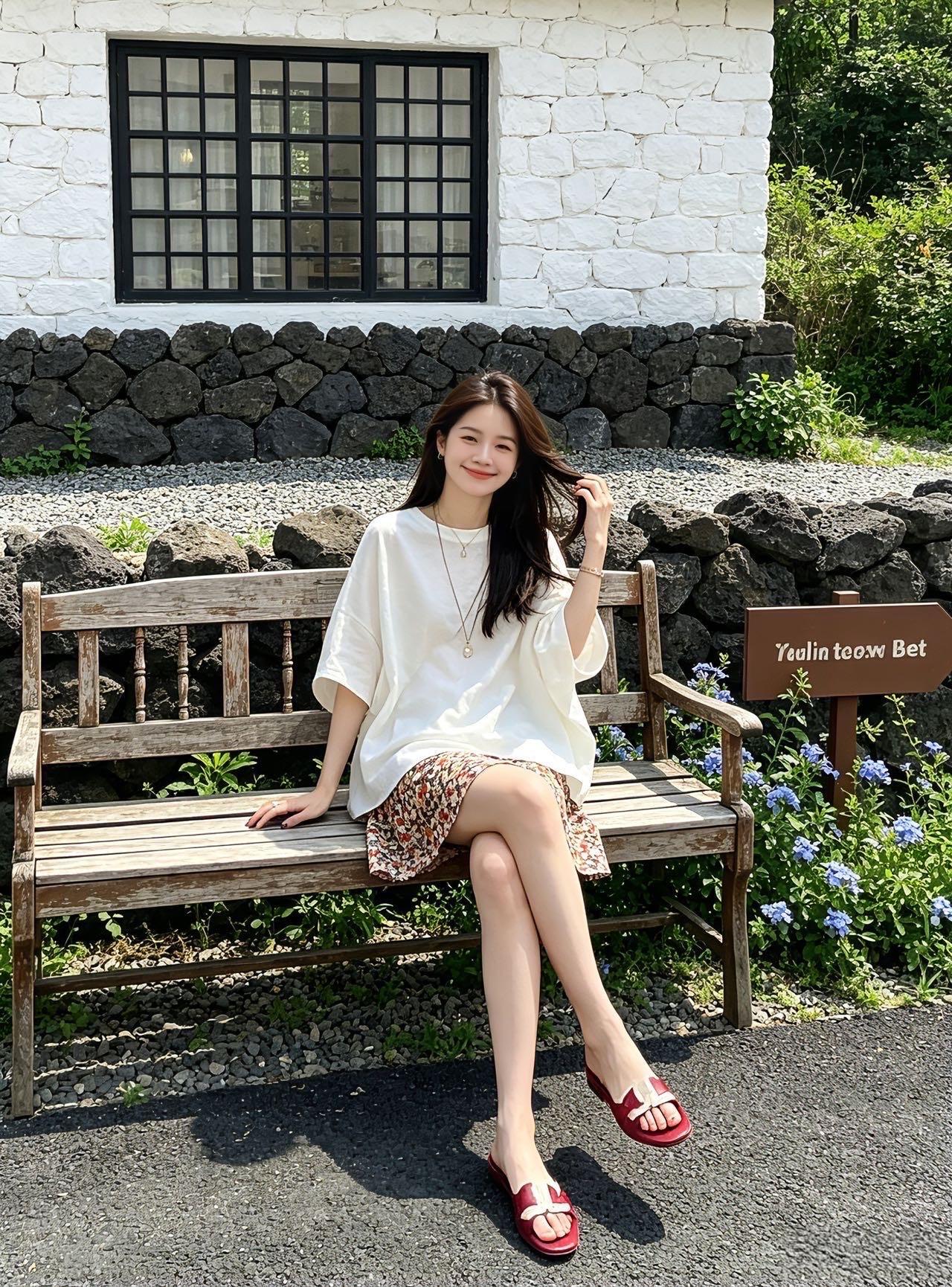
Do not turn fabric, pattern, color, or hardware into a different product.
BO handoff
This sends the current case's references, source link, platform format, image count, and the “AI fitting room” prompt into BO.